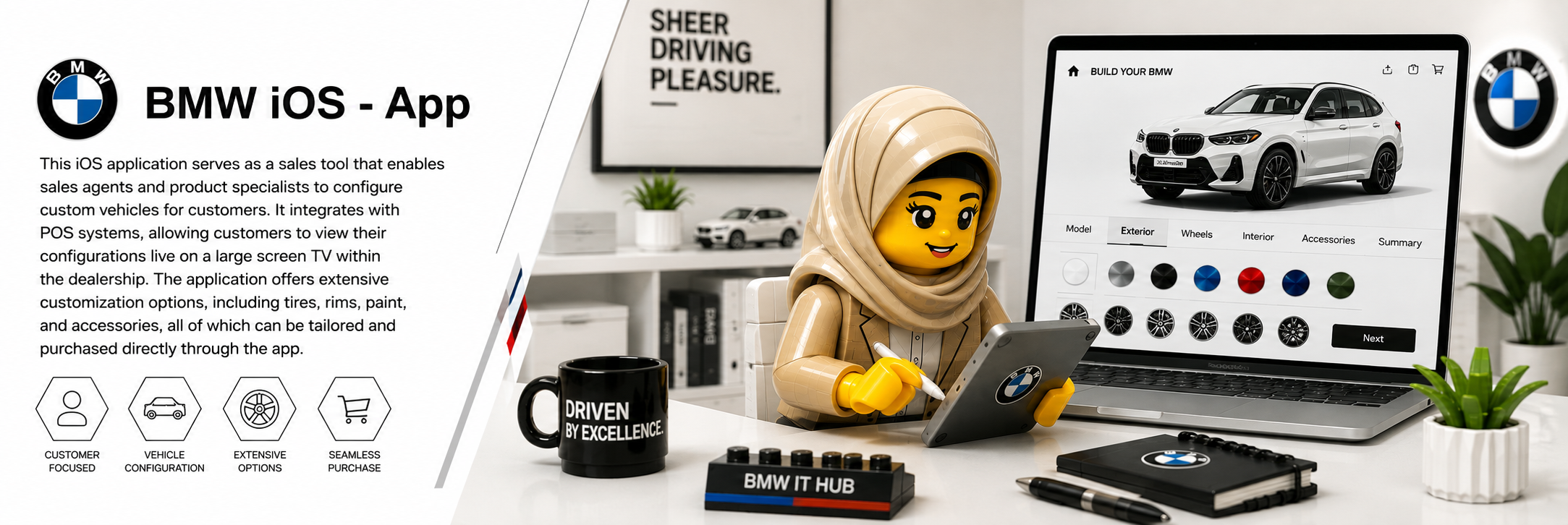
Mobile Vehicle Configuration
A mobile sales tool designed to help BMW Sales Consultants and Product Specialists configure vehicles with customers during the presales experience. The application supports detailed vehicle customisation across models, colours, wheels, equipment and packages, while connecting the configuration experience with the dealership environment.
BMW Sales Consultants and Product Specialists working directly with customers during vehicle consultations.
Problem definition & solution framing · User research · Low-fidelity wireframes · High-fidelity designs · Working prototypes
Automotive / B2B · BMW ZA IT Hub · International collaboration · iOS
User research · Requirements synthesis · Figma · Agile · International collaboration · Usability testing · iOS Human Interface Guidelines · Prototyping

Designing the experience from problem to prototype
- User research & requirements gathering
- UX architecture and user flows
- Low-fidelity wireframes
- High-fidelity UI design
- Interactive prototypes
- International BMW team collaboration
- Agile product development
- Usability testing and iteration
- Design handoff and refinement
- Alignment with iOS design guidelines
Experience – Create a clear mobile path through vehicle customisation.
Interaction – Make configuration choices understandable and easy to navigate.
Continuity – Connect exploration, selection and review into one coherent flow.
Integration – Connect the mobile configuration experience with the showroom visualisation environment.
Understand
Research, requirements and mobile sales context.
Define
Problem framing, user flows and journey mapping.
Design
Wireframes, interaction patterns and iOS UI.
Validate
Testing, iteration and design handoff.
Mapping the configuration journey
The journey maps the key interaction points involved in moving from an initial vehicle configuration through customisation, review and saving the final vehicle specification.
Making complex vehicle configuration feel effortless
Vehicle configuration can involve a large number of decisions. The challenge was to create an experience that allowed sales specialists to guide customers through these choices without losing sight of the vehicle they were building or the conversation taking place around it.
Sales specialist
Sales Consultants and Product Specialists needed to configure vehicles quickly while working directly with customers.
Many decisions
Models, colours, wheels, packages and equipment create a complex configuration journey.
Keep it visual
Customers needed to understand how their selections changed the vehicle throughout the configuration process.
Connect the showroom
The mobile configuration experience could extend into the dealership environment through connected showroom visualisation.
How might we simplify configuration without limiting choice?
The experience needed to balance two competing needs: BMW offers extensive vehicle customisation, while the sales conversation needs to remain simple, focused and engaging.
Sales specialists configuring vehicles with customers.
Quickly find and understand the available vehicle options.
Organise complex configuration choices into a clear, visual mobile journey.
Keep the configured vehicle visible as selections change and connect the experience to the showroom environment.
Confident, visual and in control.
Designing for confidence at the point of sale
The resulting experience focused on making a complex configuration task easier to navigate while keeping the vehicle and customer conversation at the centre of the interaction.
A clearer mobile path for sales specialists navigating detailed vehicle configurations.
A more visual way to explore vehicle choices and understand the impact of configuration decisions.
A connected configuration experience designed to support the dealership sales environment.
Designing complexity without making it feel complex
This project reinforced the importance of designing around the user's real-world context. In a sales environment, the interface is not the entire experience — it supports a conversation between a specialist and a customer. The challenge was therefore not simply to fit configuration options onto a mobile screen, but to make those options easy to understand, explore and communicate.